Release 1.27.0 - Hyperion
Why Hyperion? Known for its irregular shape and chaotic rotation, Hyperion stands out among Saturn’s moons for its porous surface and unpredictable movement.
User Highlights
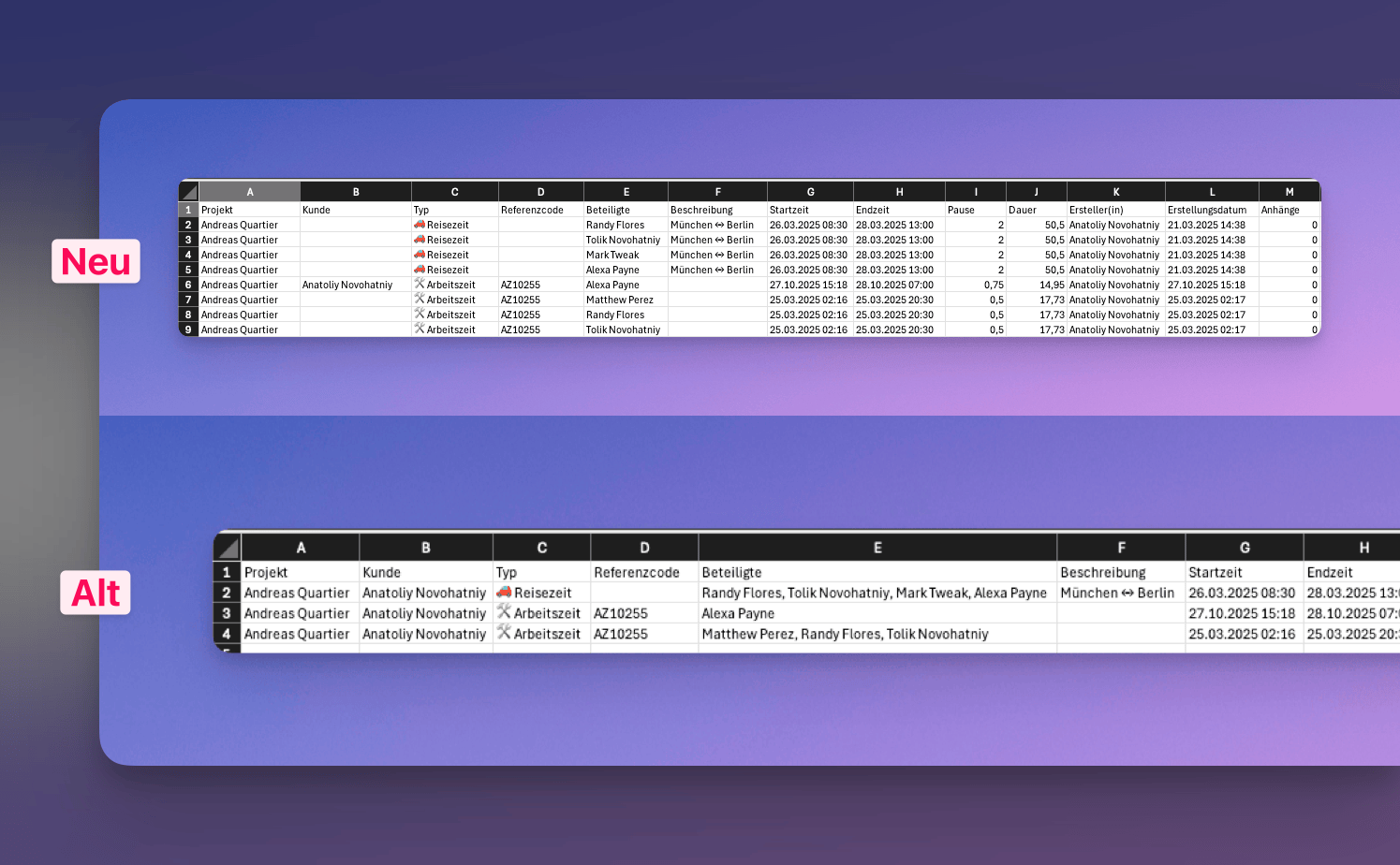
📊 Improved Excel & CSV exports for time entries
Exports from the Times module now create unique entries per time entry.
This adjustment makes your exported datasets easier to filter, analyze, and process further in tools like Excel or Power BI.
💬 Clearer WhatsApp menu
The WhatsApp menu has been renamed to strengthen clarity and improve user understanding.
⚡ Live Updates for Time Entries
Time entries now update in real-time across all devices and user sessions. When changes are made to time entries, they are instantly reflected for all team members viewing the same data without requiring a page refresh.
Misc
🐞 Fixes
- [Tickets][Msg-View] Resolved issue where switching between ticket views (all, assigned, created, archived) incorrectly reset active filter selections, forcing users to reapply their filtering criteria after each view change
- [Tickets] Resolved issue where activities in the ticket activity feed were appearing multiple times, creating duplicate entries and cluttering the timeline with redundant information.
- [Kanban] Resolved issue where archiving tickets from the kanban board failed preventing the archive operation from completing successfully
- [Kanban] Resolved issue where moving a ticket to another project didn't trigger Kanban board refresh, leaving the moved ticket visible
- [Kanban] Resolved issue where kanban board filters were not properly applied, causing all tickets to load regardless of selected filter criteria
✨ Misc
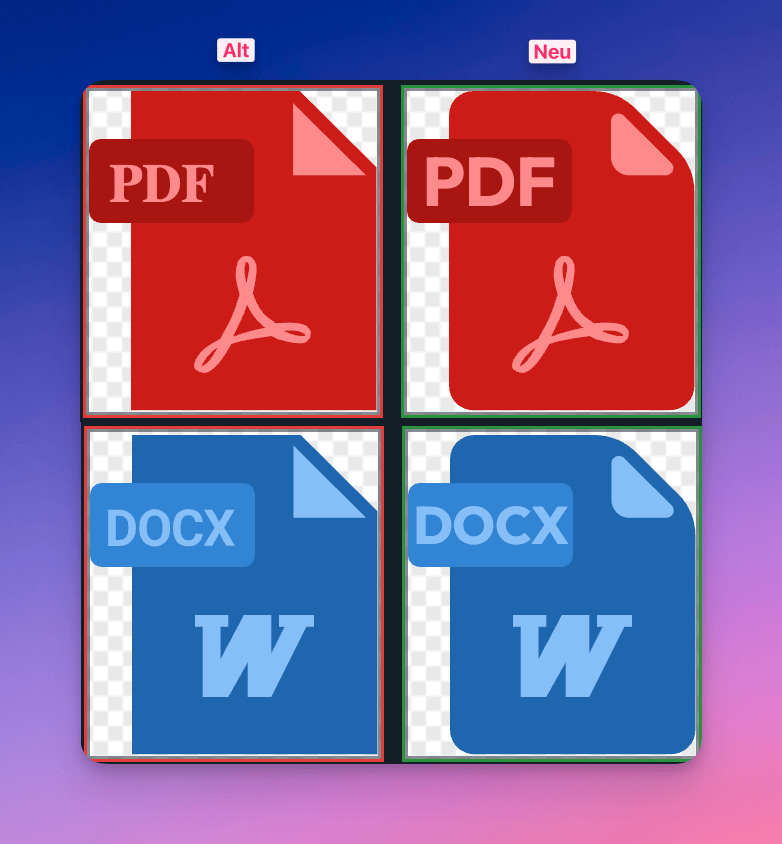
- [Assets] Updated all available media type icons with refreshed visual designs to improve file type recognition and overall interface aesthetics
Internal
NOT INTENDED FOR RELEASE NOTES
📑 Report module ready for internal testing
Major development tasks on the report module have been completed, allowing it to move into internal testing.
🔗 SharePoint integration in progress
Initial work on SharePoint integration has begun.
This integration will enable seamless document synchronization between Valoon and SharePoint.
🤖 ChatAI for project chat in development
We’ve started developing ChatAI, an intelligent assistant for the project chat feature.
🎬 Media File Support in Project Chat
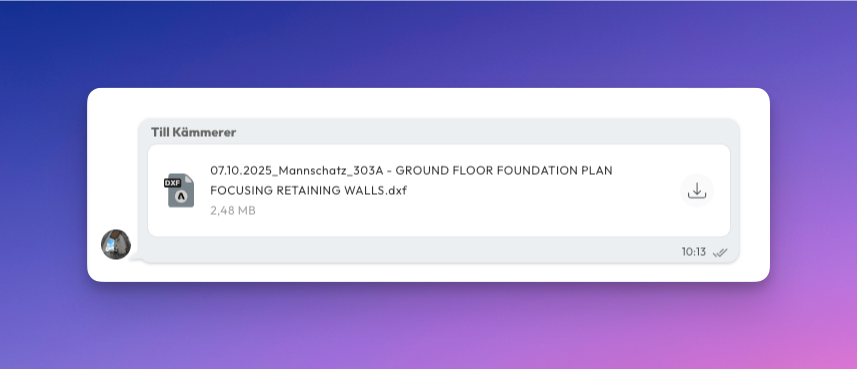
Project chat now properly displays messages containing various media file types, even those without preview capabilities. Users can see clear file indicators for all attached media and download them directly from the chat interface.
Files that cannot be previewed, such as certain document formats or specialized media types, are now shown with appropriate file icons and download options. This enhancement ensures seamless file sharing and access across all supported media formats within project conversations.