Release 1.21.0 - Enceladus
Why Enceladus? Just as Enceladus surprises scientists with its explosive geysers and hidden ocean depths, our Enceladus release launches major new capabilities that will transform how you experience our platform. This release doesn't just refine existing features—it erupts with powerful new functionality that reaches far beyond what you've seen before. Like the moon's dramatic plumes that changed our understanding of Saturn's system, these significant additions will reshape your workflow and open entirely new possibilities.
User Highlights
💬 Mentions @ in Ticket Chat
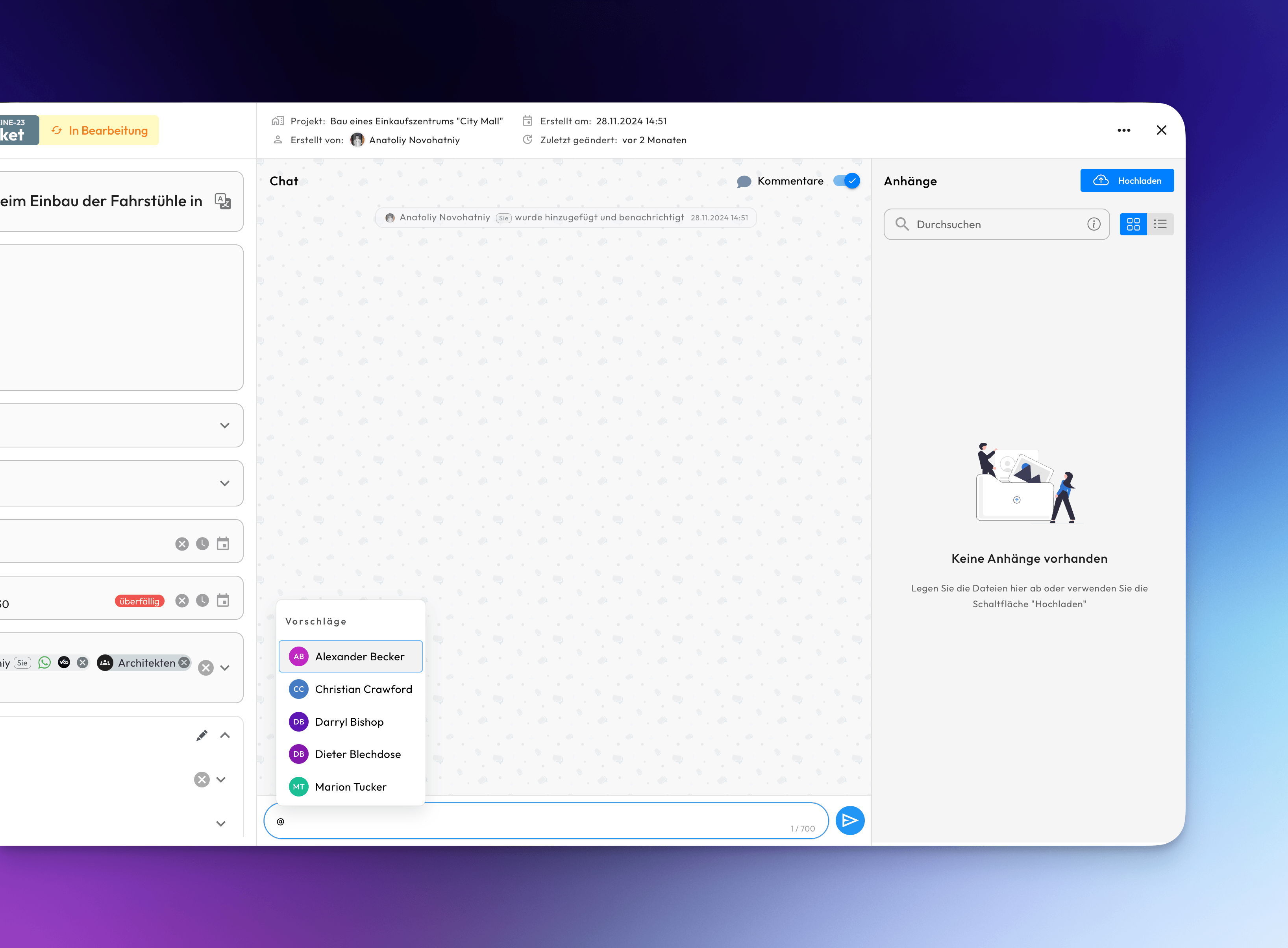
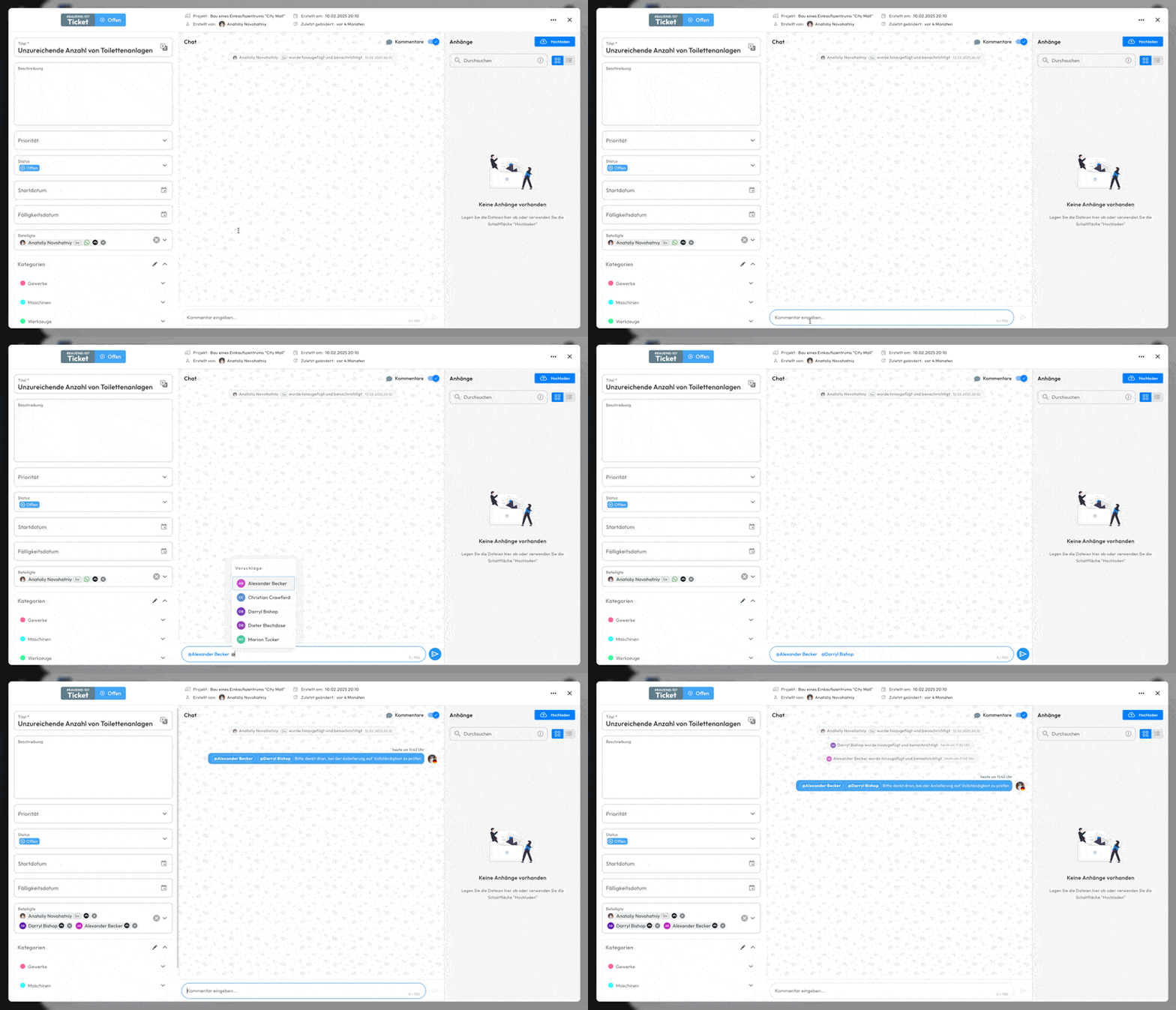
You can now mention team members in ticket chats using the @ symbol followed by their name. When you mention someone, they will receive a notification to ensure important messages don't get missed.
Simply type @ and start typing a colleague's name to see available options. This feature helps streamline communication within tickets and ensures the right people are alerted when their input or attention is needed.
In Action:
🚀 In-App Tour Guides
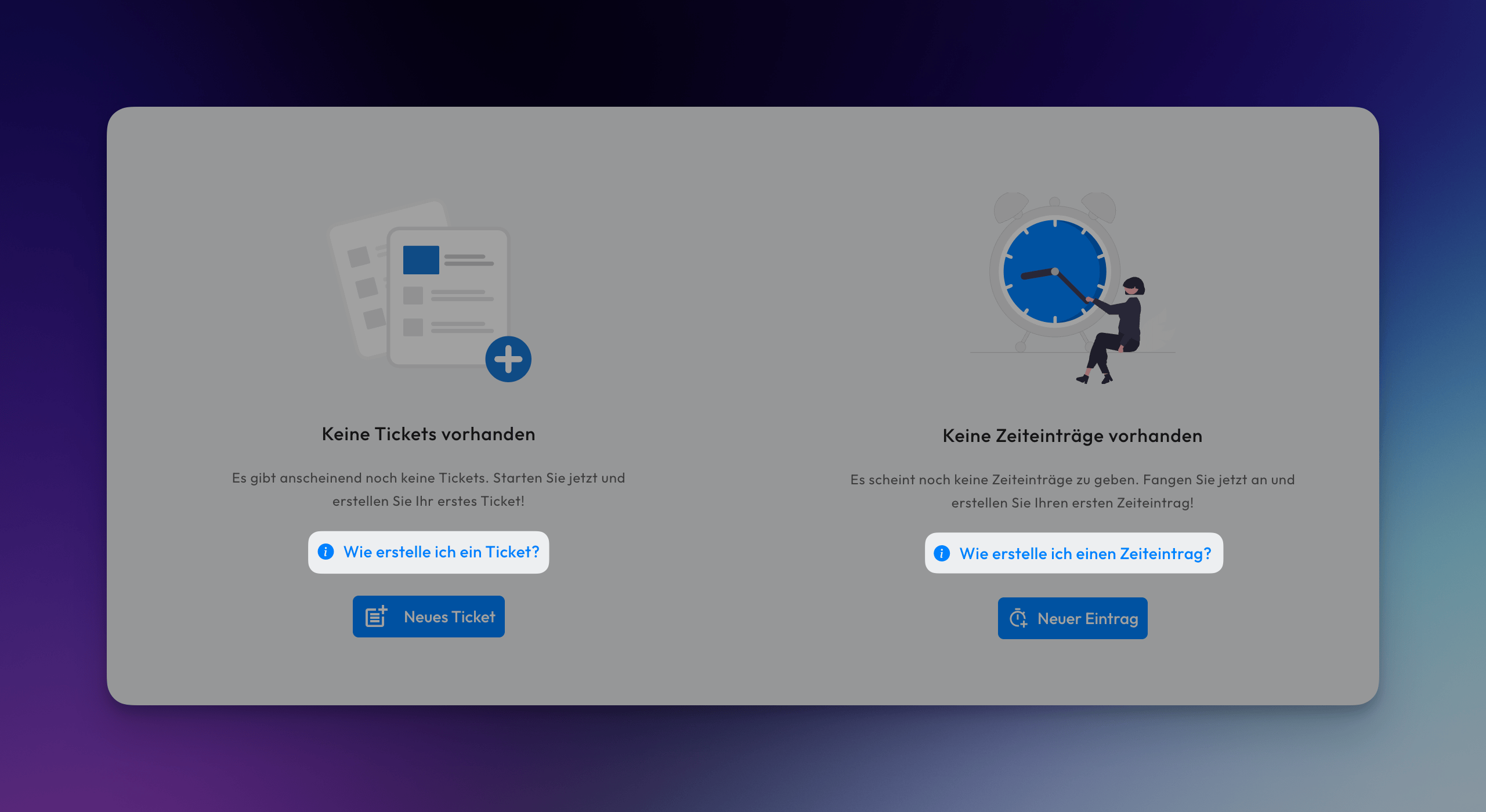
You can now access interactive tour guides that will walk you through creating tickets and time entries. These step-by-step guides appear on the splash screen, helping you understand the workflow for each process.
🔗 API Integrations
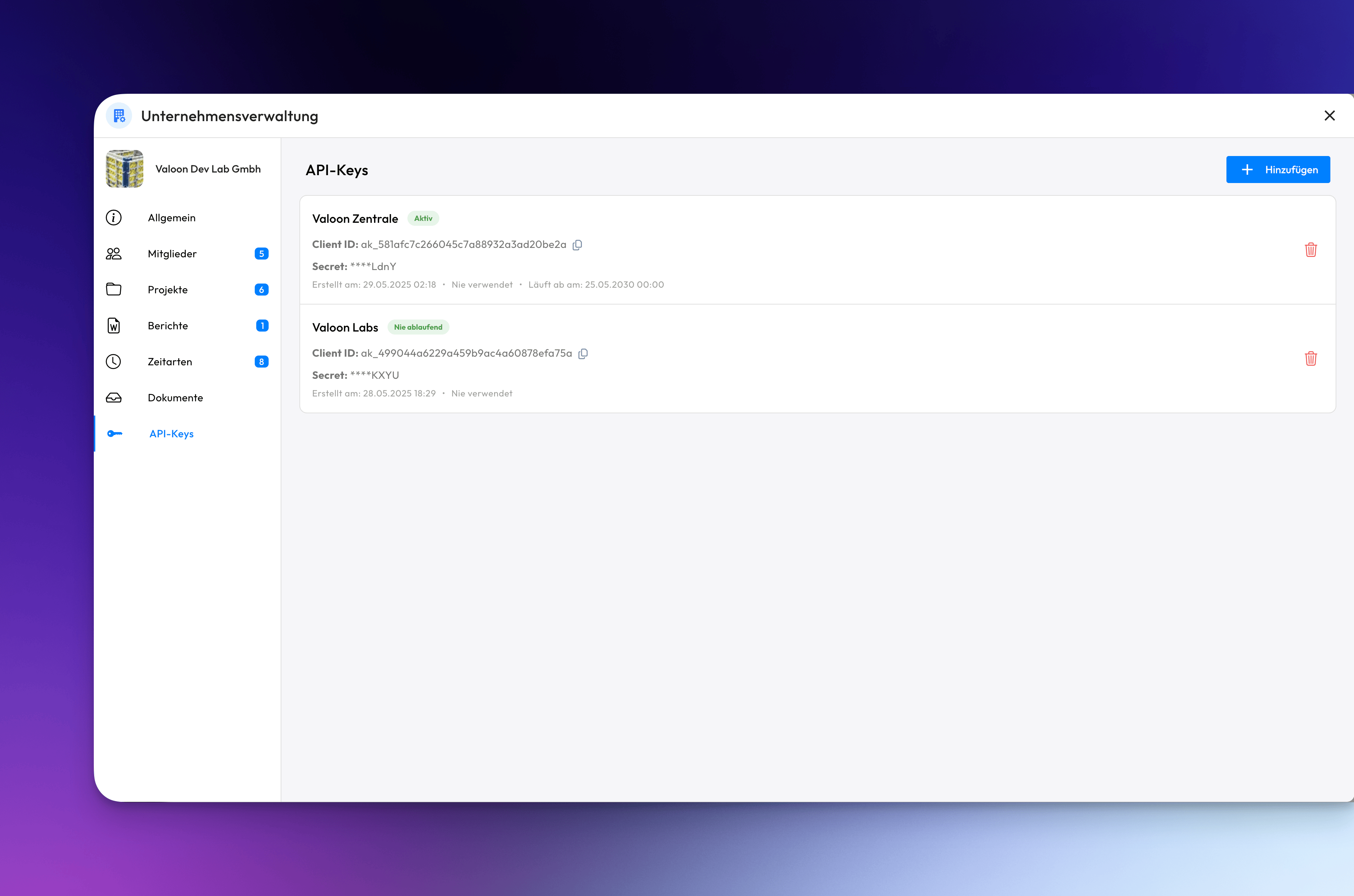
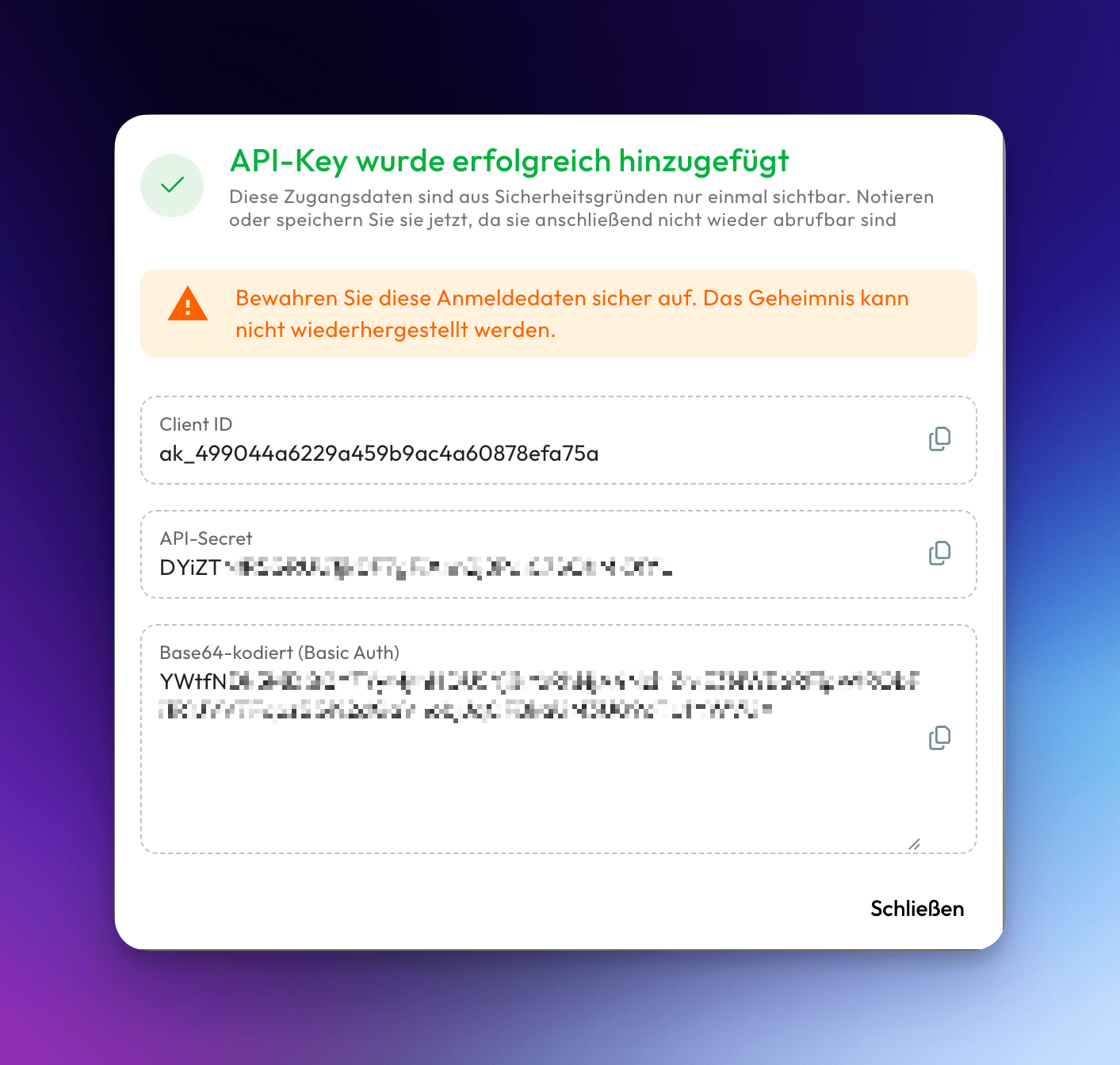
You can now generate API keys to connect external applications and services to our backend. This allows you to integrate your existing tools and workflows with the platform through our API endpoints.
To generate an API key, navigate to your tenant management settings and select the API-Keys section. Once generated, you can use this key to authenticate requests and access your data programmatically.
Keep your API key secure and regenerate it if you suspect it has been compromised.
📋 API Viewer
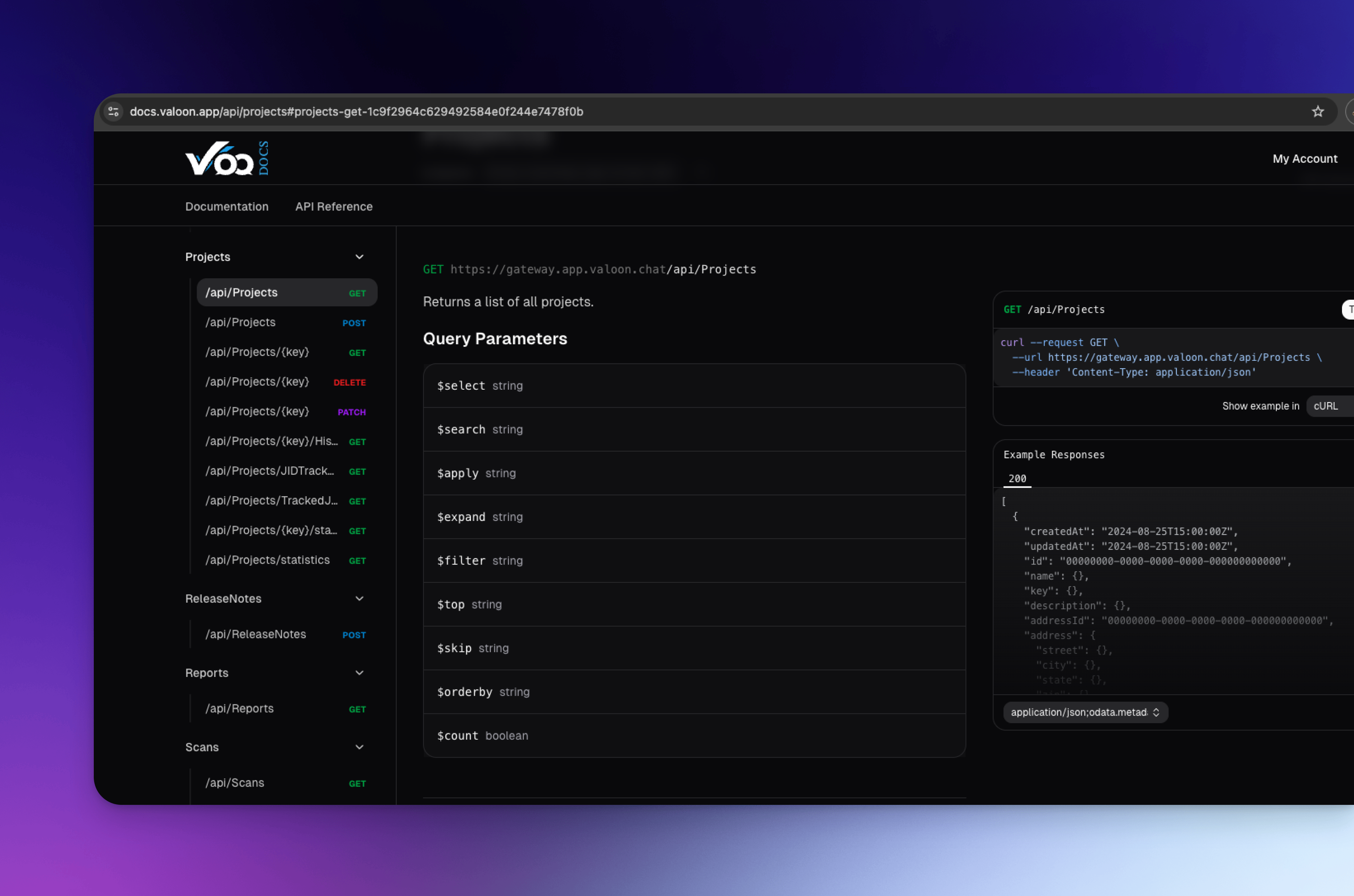
Alongside the API integrations, we have introduced a Swagger-like API Viewer that allows you to explore all available endpoints, response structures, and schemas in detail. You can access the full API documentation here. If you are planning an integration project, please get in touch so that we can support you as effectively as possible.
Internal
💬 Chat
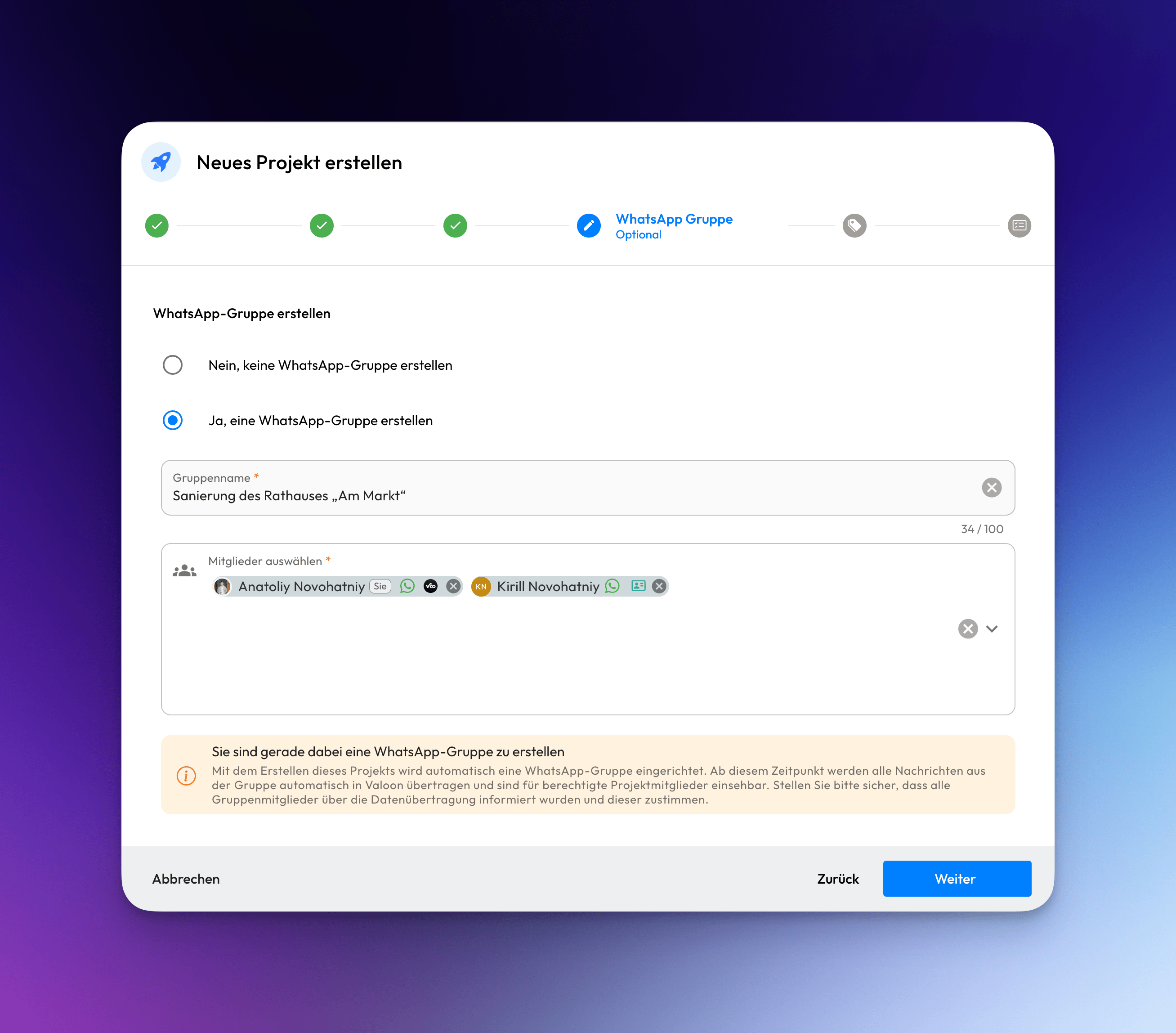
Project chat has been enhanced to support multiple groups per project, giving you more flexibility in organizing team communications. The interface now has a more WhatsApp-like appearance and feel, making it familiar and intuitive to use.
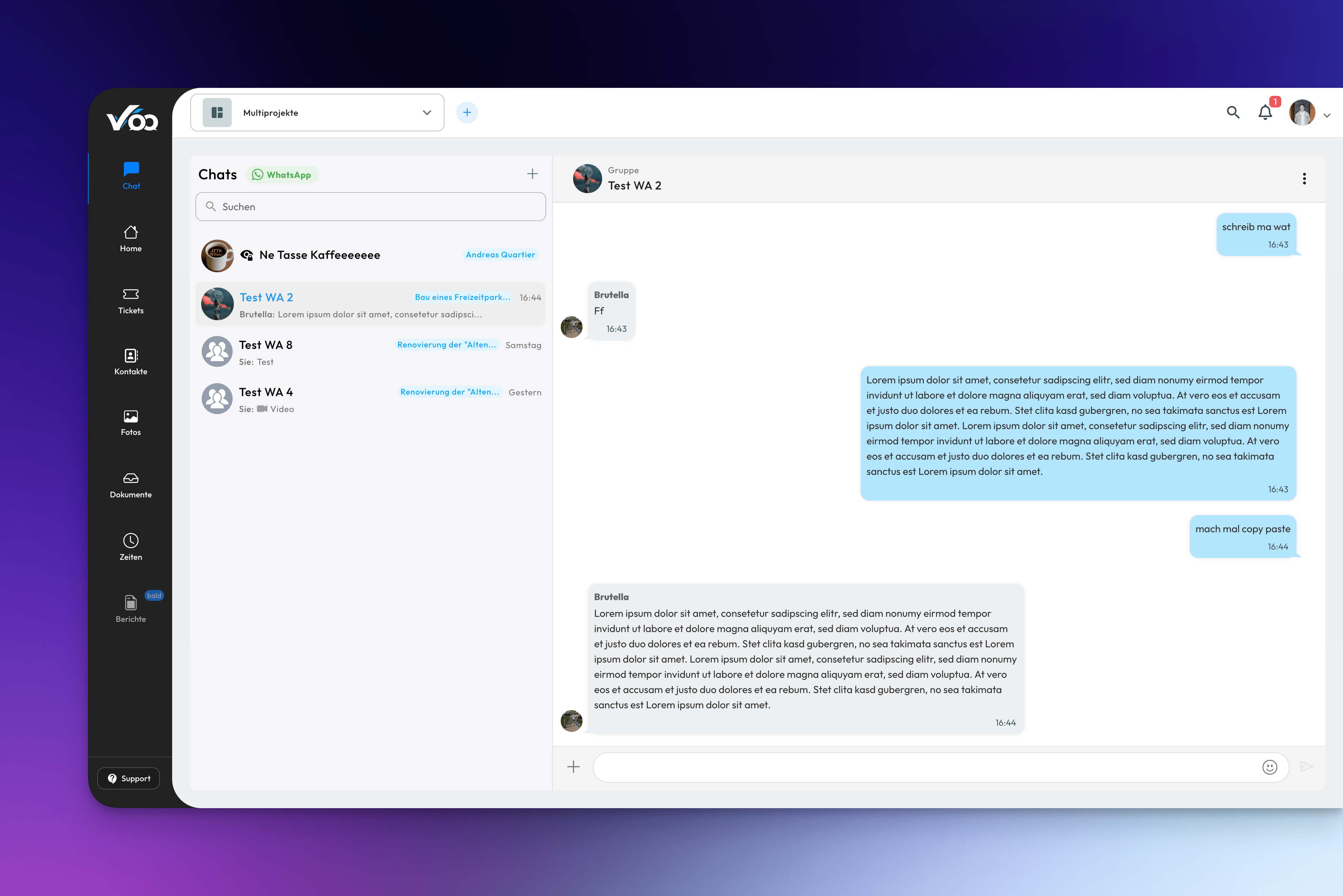
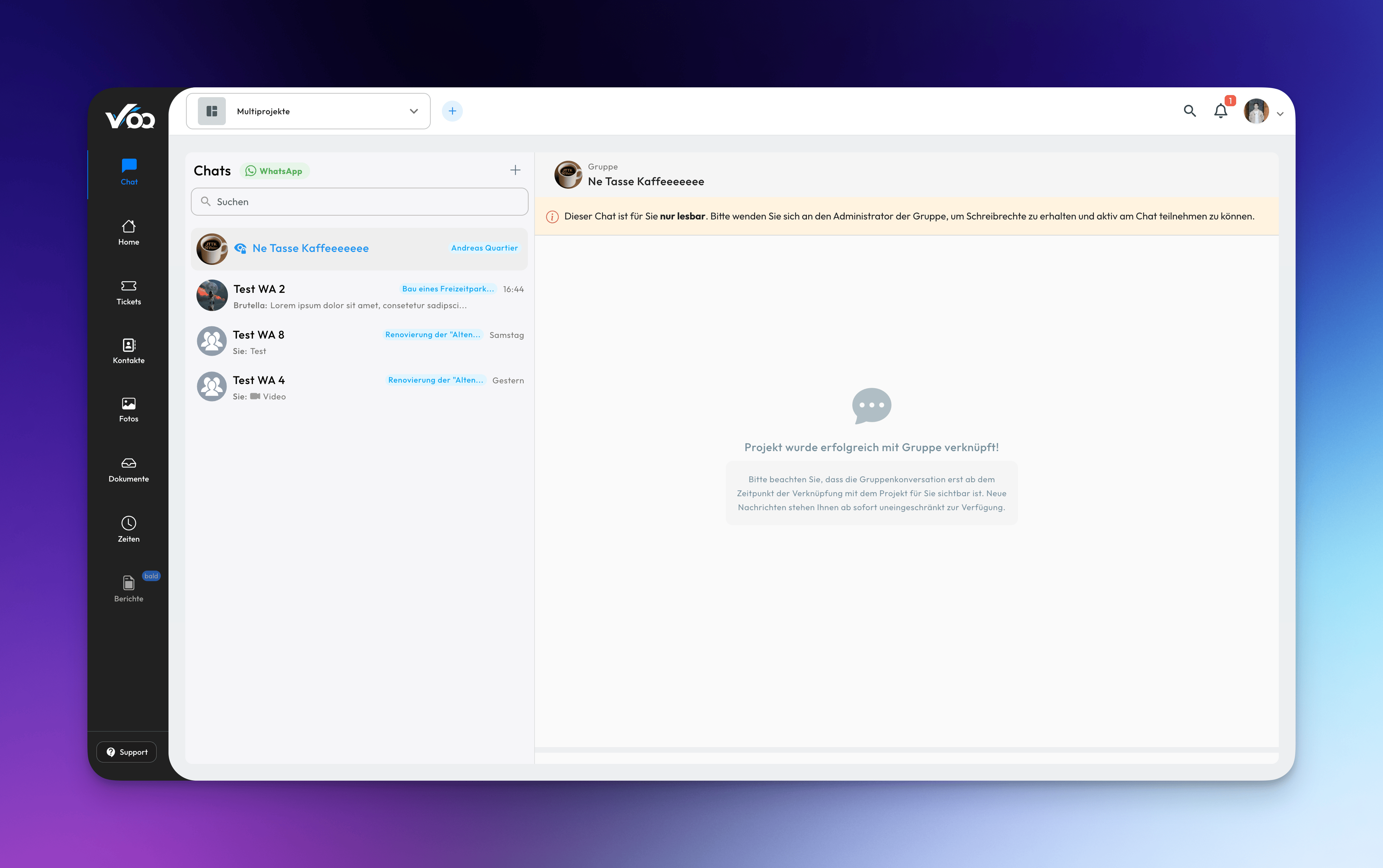
When creating a new project, you'll have the option to automatically generate WhatsApp groups for different aspects of the project, ensuring your team can start collaborating immediately. This integration saves time and ensures no communication channels are forgotten during project initialization.