Release 1.26.0 - Tethys
Why Tethys? Despite its vast surface scars, such as the Odysseus crater and the Ithaca Chasma canyon system, Tethys retains remarkable structural integrity and a stable orbit. This Saturnian moon is believed to be composed primarily of water ice.
User Highlights
👉 Expanded reference tab in the Photo Gallery
When you open an image in the photo gallery, the info tab now shows richer details about the referenced entity — for instance, a ticket’s description or the creator of a time entry.
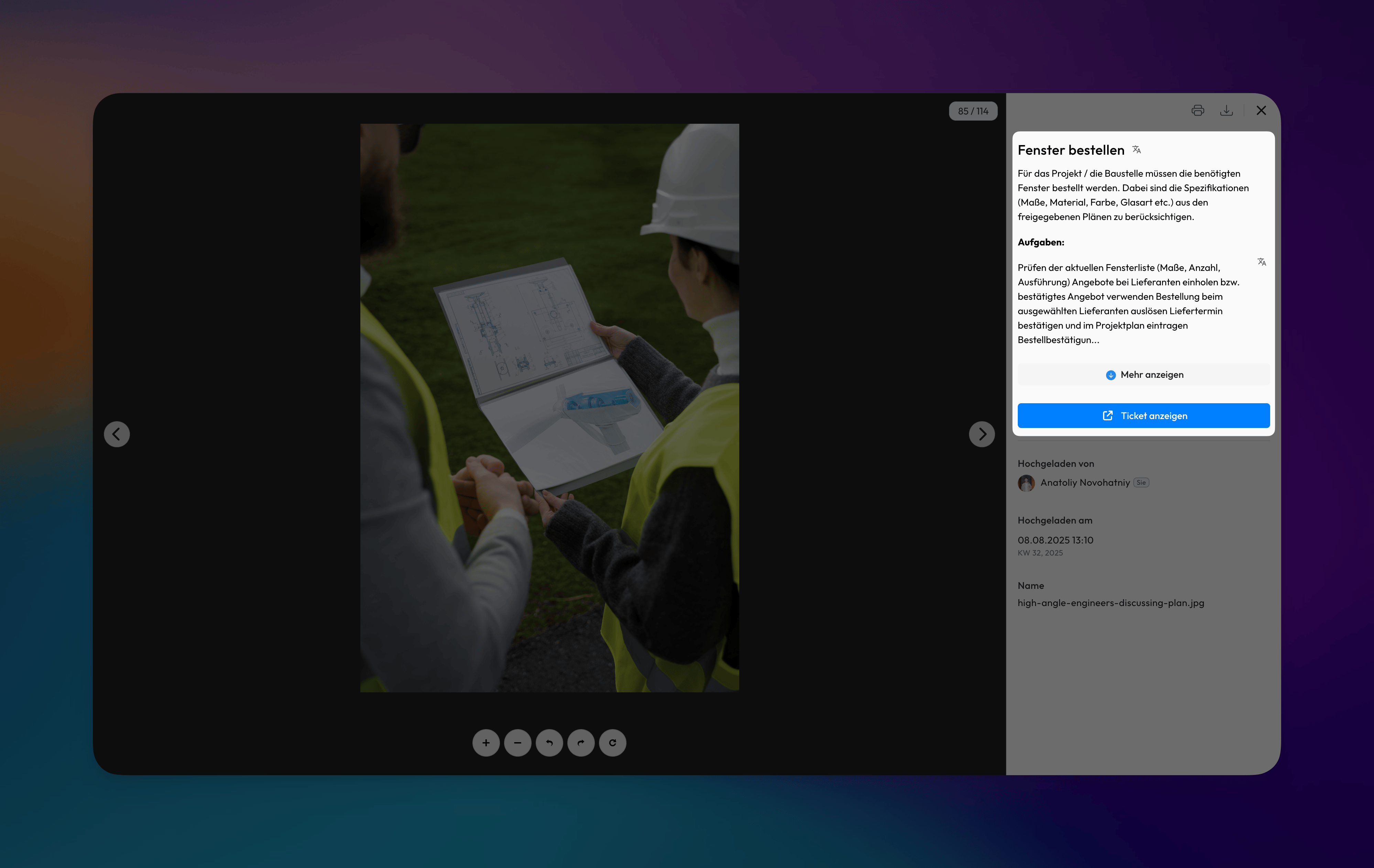
🖼️ Project-Chat photos collected in the Photo Gallery
Our beta for the project-chat feature (WhatsApp-style groups within Valoon) has gained strong momentum. Beta users will be glad to know that photos from these chats are now gathered in the photo gallery, where they can be viewed and sorted. Combined with the new reference details, you can jump directly back into the chat from the viewer.
🌄 Uploaded files preserve original creation dates
Images and files uploaded via the WebApp will now retain their original creation dates, just like in Google Drive. For example, if you create a file and upload it a week later, the original timestamp remains visible in Valoon.
💬 Copy-paste images into ticket chats
You can now copy and paste images directly into a ticket chat, where they are instantly uploaded to the ticket’s media section.
👤 Customizable Contract Cards
Contract cards can now be modified directly within the interface. Users have the ability to make changes to contract details.
📝 Refined Activity Feed
We’ve reworked the ticket activity feed to display more information in a cleaner, less cluttered way.
Misc
🐞 Fixes
- [Export Templates] Resolved header alignment issues in standard time export templates where content was appearing distorted or positionally shifted, affecting document formatting and readability. Additionally, eliminated duplicate project information displays that were creating redundant content and cluttering the export output
- [Projects] Resolved an issue where customer fields could not be updated if no customer was specified during project creation
- [Projects] Resolved inconsistent behavior in the project selection dropdown located in the top-left navigation bar that was not properly updating when entering or exiting projects
- [Dashboard] Resolved ticket filtering functionality when clicking on ticket metrics that was previously non-responsive or failing to apply proper filter criteria
- [Tickets] Resolved Android-specific layout issue in the ticket detail view where UI element blocked content visibility
- [Kanban] Resolved issue where assignee changes made in ticket details from the kanban board were not updating on the card display
- [Project-Chat] Resolved issue where chat input field remained visible in WhatsApp groups for non-member users
💎 Improvements
- [Export Templates] Added French (FR) localized export templates
- [Projects] Project general settings layout was redesigned for better usability
- [Projects] Prevent adding deleted users from the project members selection dropdown to ensure only active users can be assigned as project members, eliminating the risk of inadvertent assignments to inactive accounts
- [Project-Chat] Added beta indicator to project chat to clearly communicate the experimental status of this feature
✨ Misc
- [Tickets] Updated wording in the tickets table from
OpentoActive - [Date Picker] Enhanced date input by automatically opening the date picker when clicking on date fields
Internal
NOT INTENDED FOR RELEASE NOTES
📈 Updated analytics
The analytics panel has been significantly enhanced, and with this release we are also beginning to track a wider range of new features, such as scans, documents, and photos.
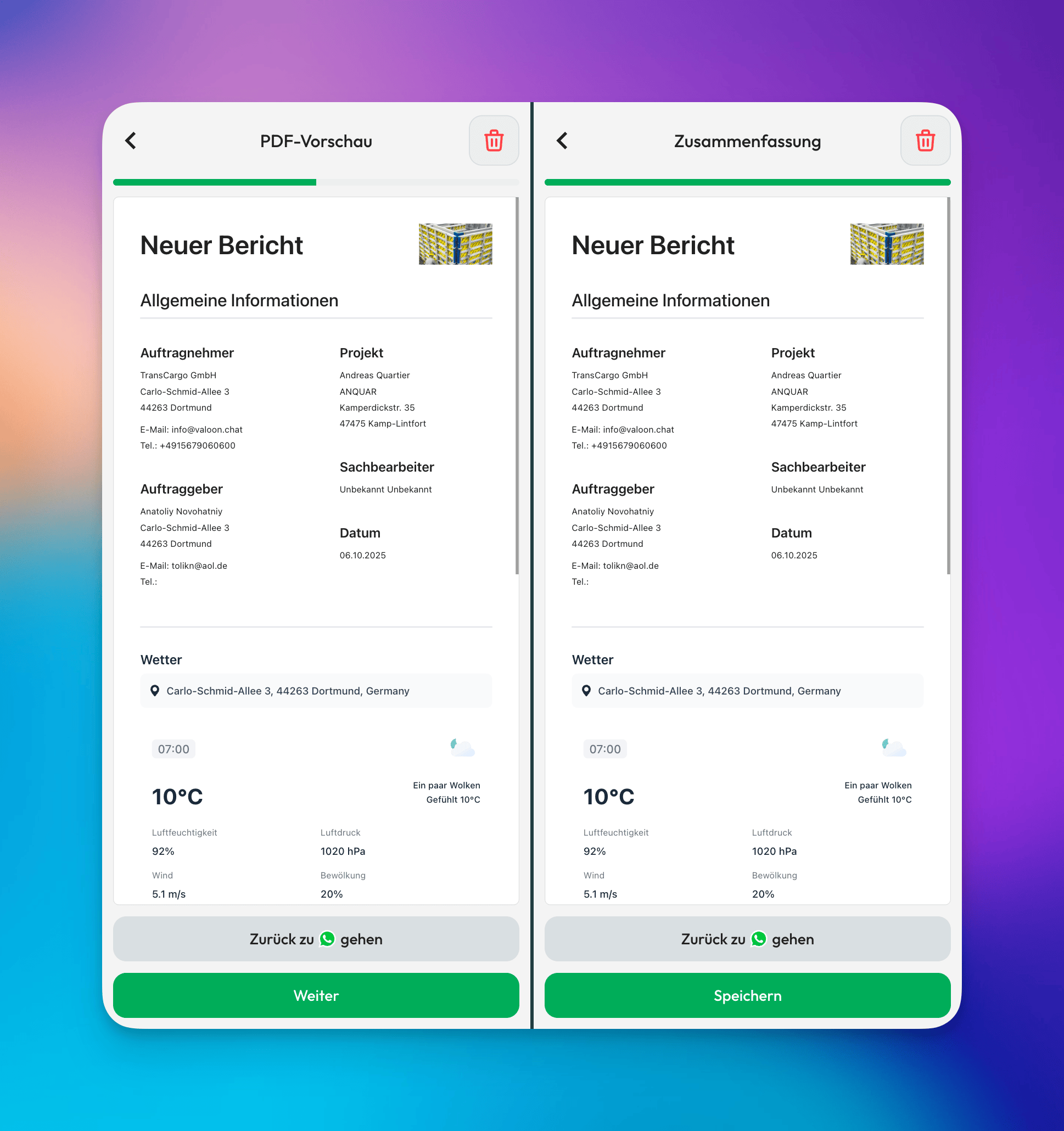
📋 PDF-Preview in Messenger View
It is now possible to preview reports in real-time while creating them in the messenger view. Users can see how their report will look as they configure it, allowing them to make adjustments before finalizing.