Release 1.19.0 - Europa
Why Europa? The moon is particularly notable for its smooth, icy surface covering a potential subsurface ocean, making it one of the most promising locations in our solar system to search for extraterrestrial life. Just as Europa's surface appears refined yet conceals significant depths beneath, our Europa release delivers a polished user experience while incorporating numerous subtle yet meaningful improvements. This release focuses on enhancing the user interface with smoother interactions, more intuitive navigation, and refined visual elements.
User Highlights
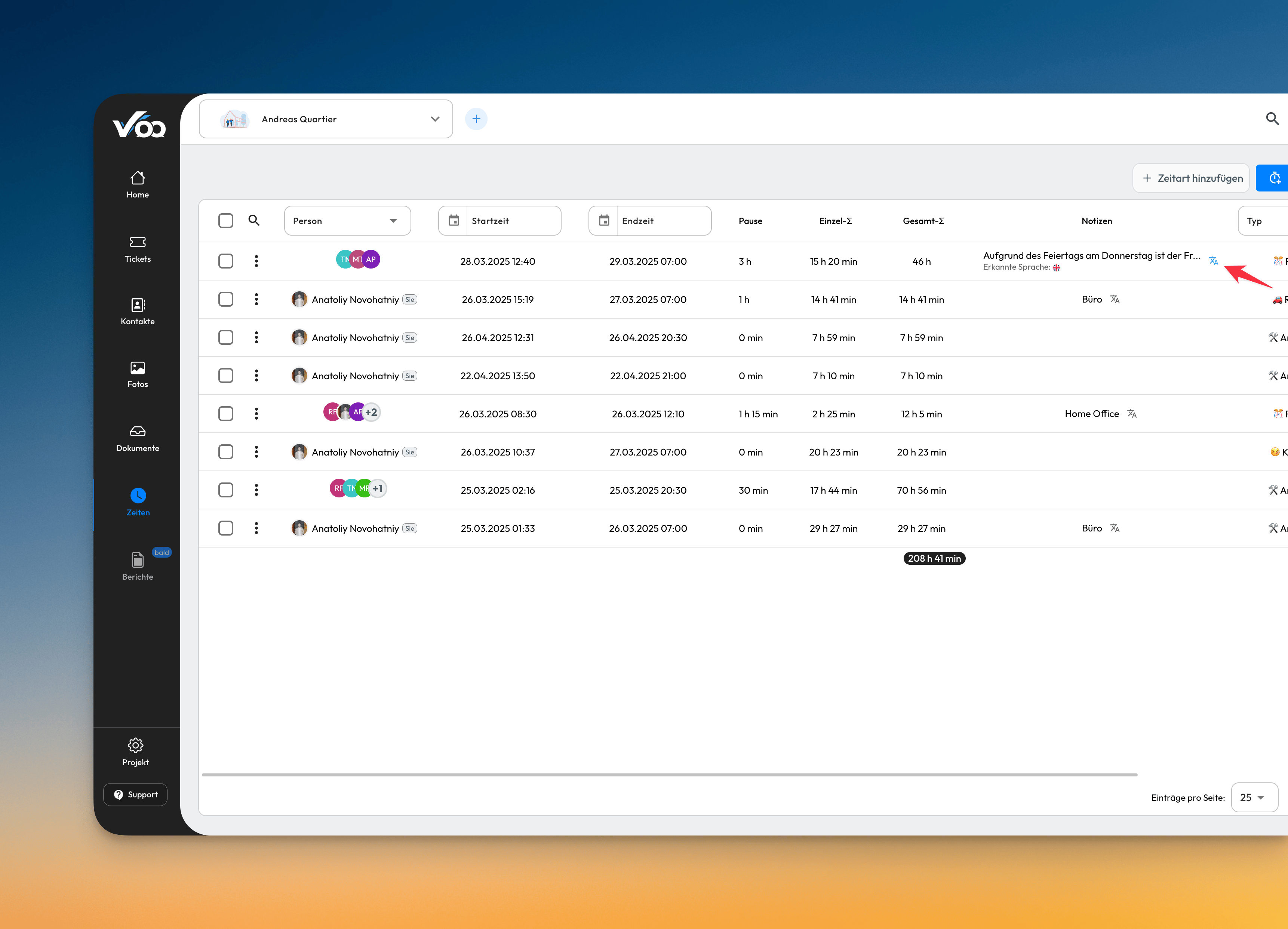
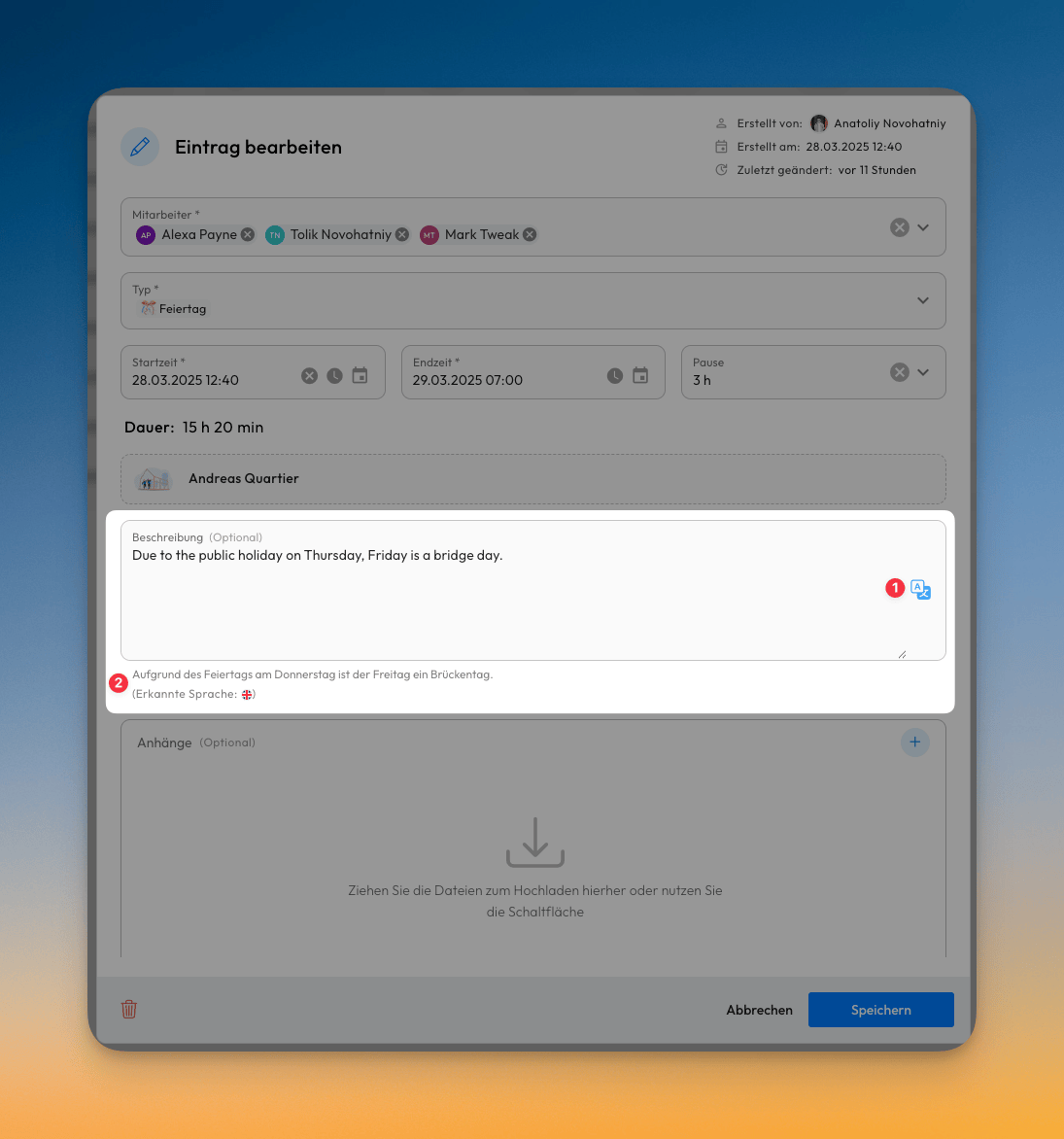
🌐 Translate Description Text in Time Entries
We are pleased to announce the addition of translation functionality for time entry descriptions. This new feature enables content to be displayed in each user's preferred language, enhancing comprehension and accessibility across international teams.
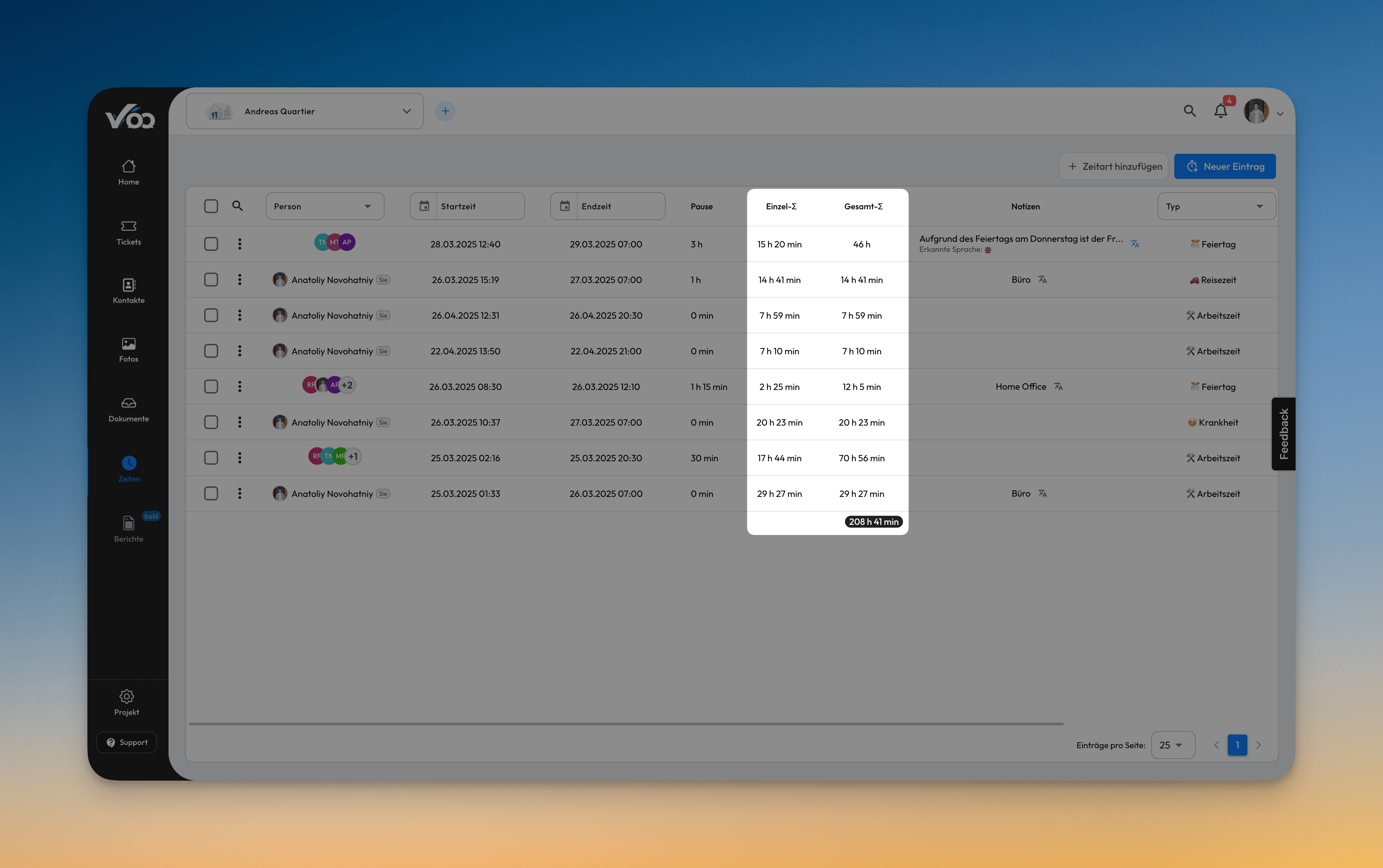
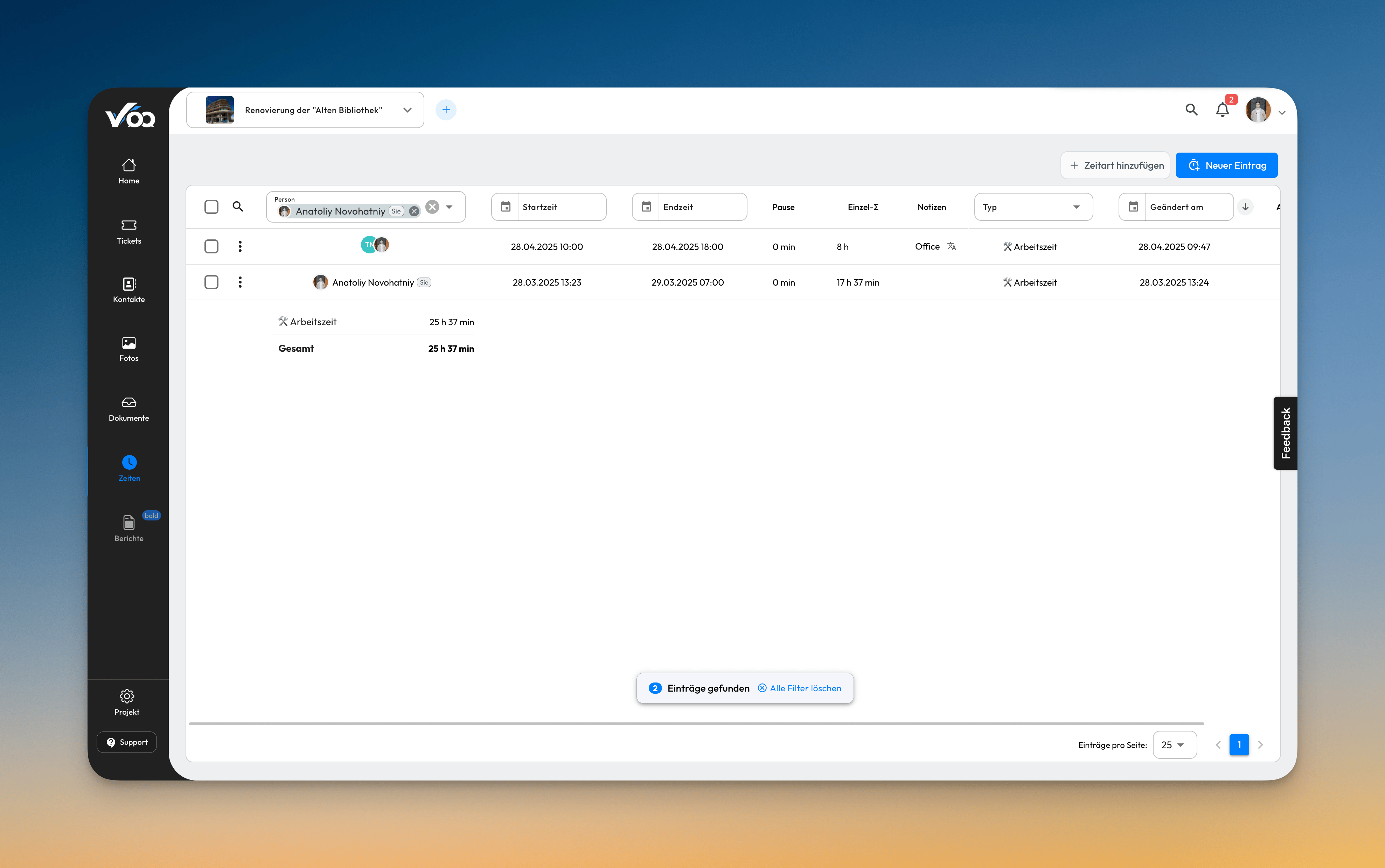
🧮 Single and Group Times for Time Entries
It is now possible to view both individual and aggregated times in our time tracking module. Grouped time entries will display the total time alongside the individual breakdowns, allowing for clearer and more efficient reporting, especially in exports.
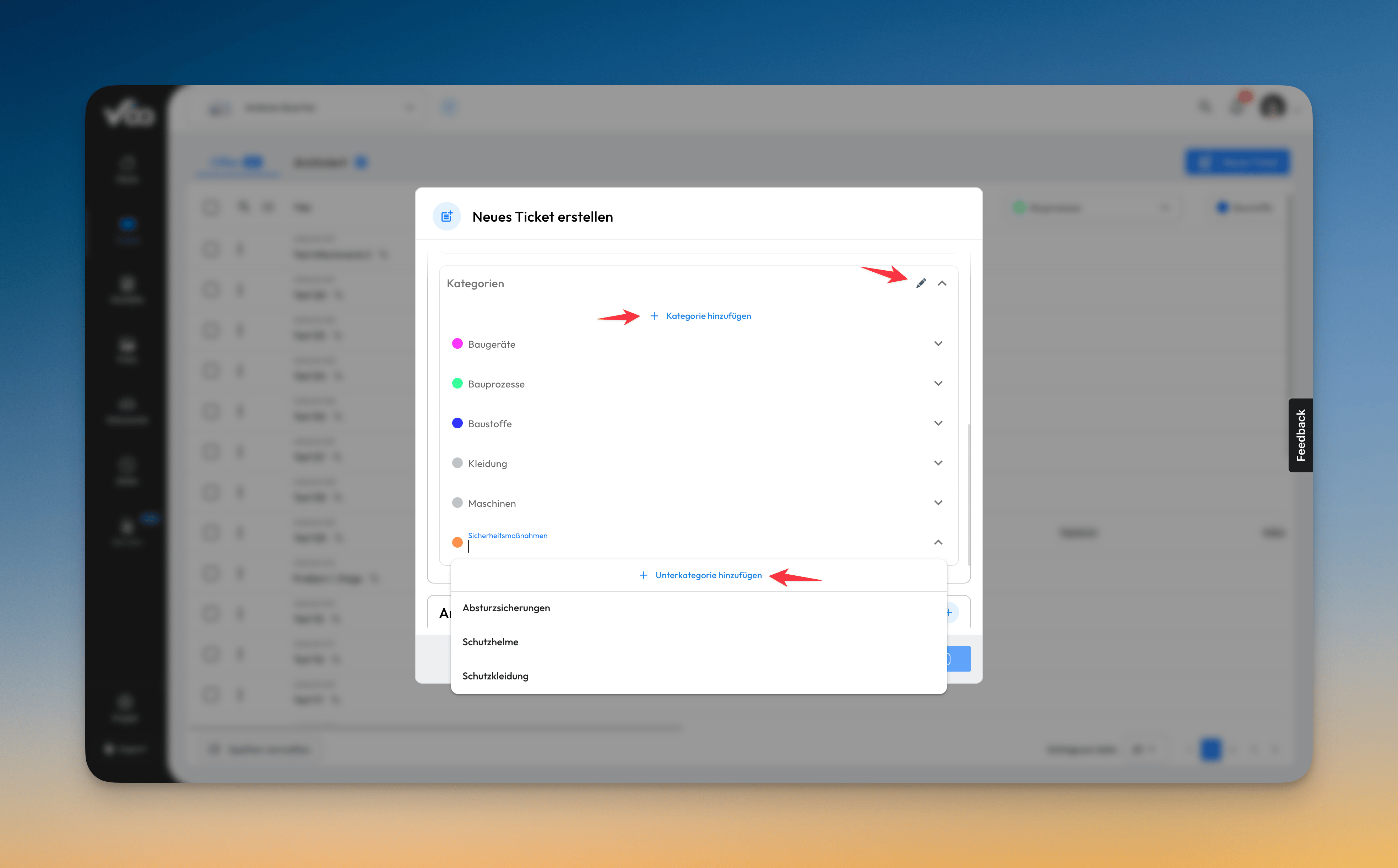
✏️ Quick Access Buttons for Categories
We've added quick access buttons for category management within the ticketing system. These new controls allow users to efficiently manage categories and subcategories directly from both the ticket creation form and ticket detail pages.
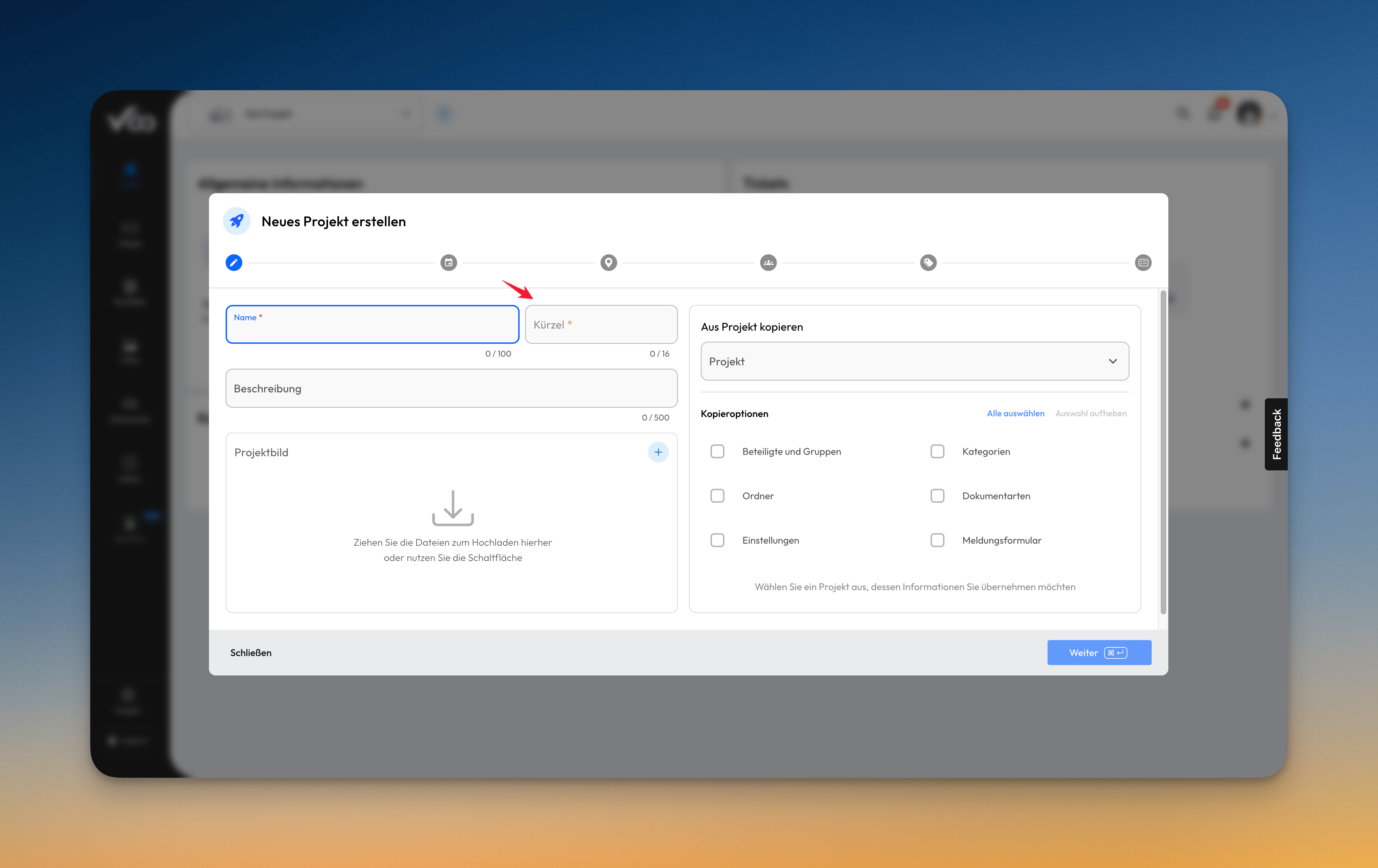
🏷️ Project Abbreviation Customization
We've added an project abbreviation during project creation that automatically generates a short code for each new project. This feature streamlines project identification while still allowing users to override the suggestion with their own custom abbreviation if preferred, offering the perfect balance between automation and personalization.
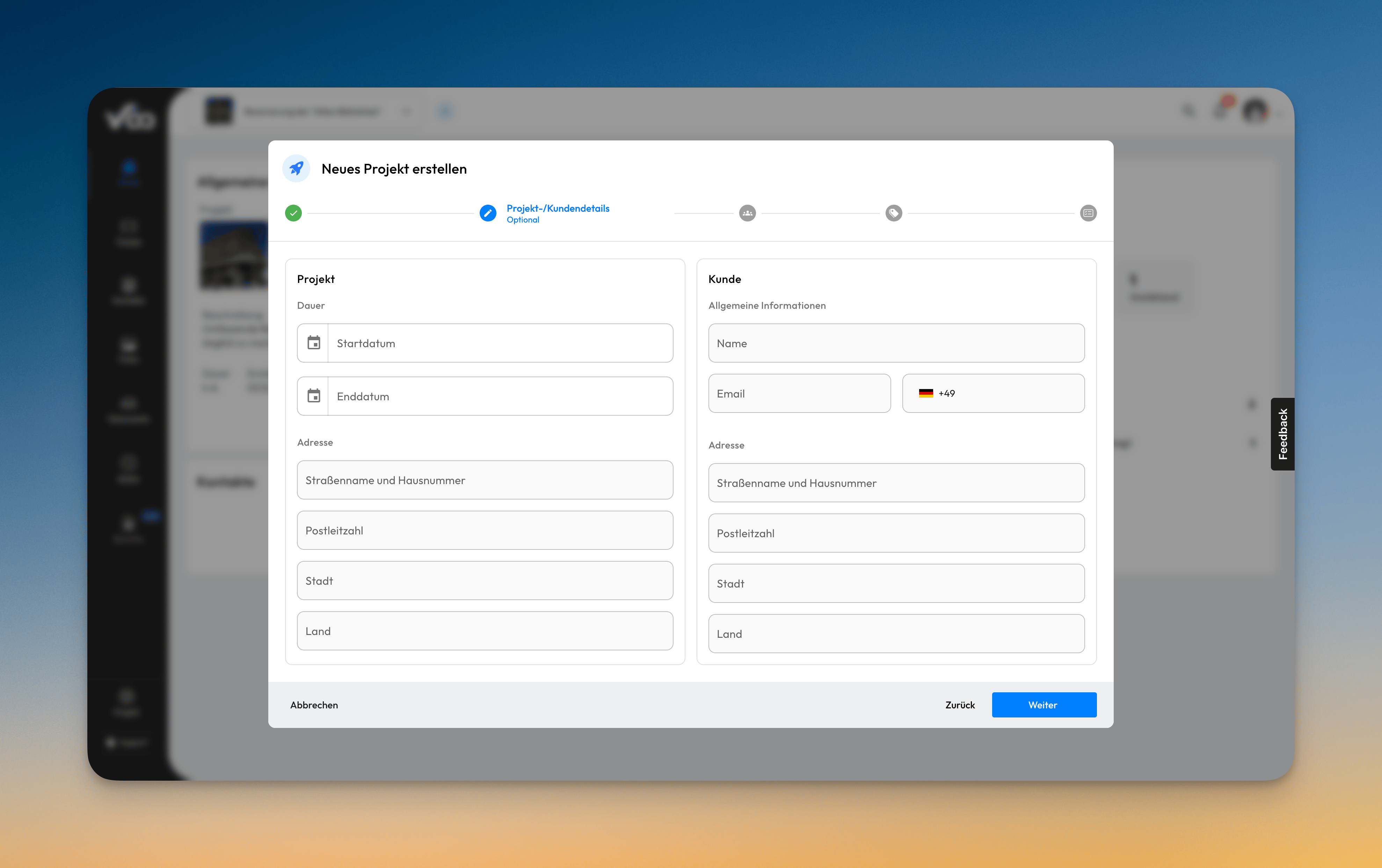
🏢 Customer Information on Project Creation
New customer information fields have been added to the project creation process. These fields allow for better tracking and management of client data associated with each project. The customer refers to the client for whom the project is being executed.
When creating a new project, you can now specify:
- Customer name
- Customer contact information
- Customer address
This enhancement enables improved client relationship management and streamlines the process by having all relevant customer details directly linked to the project from creation.
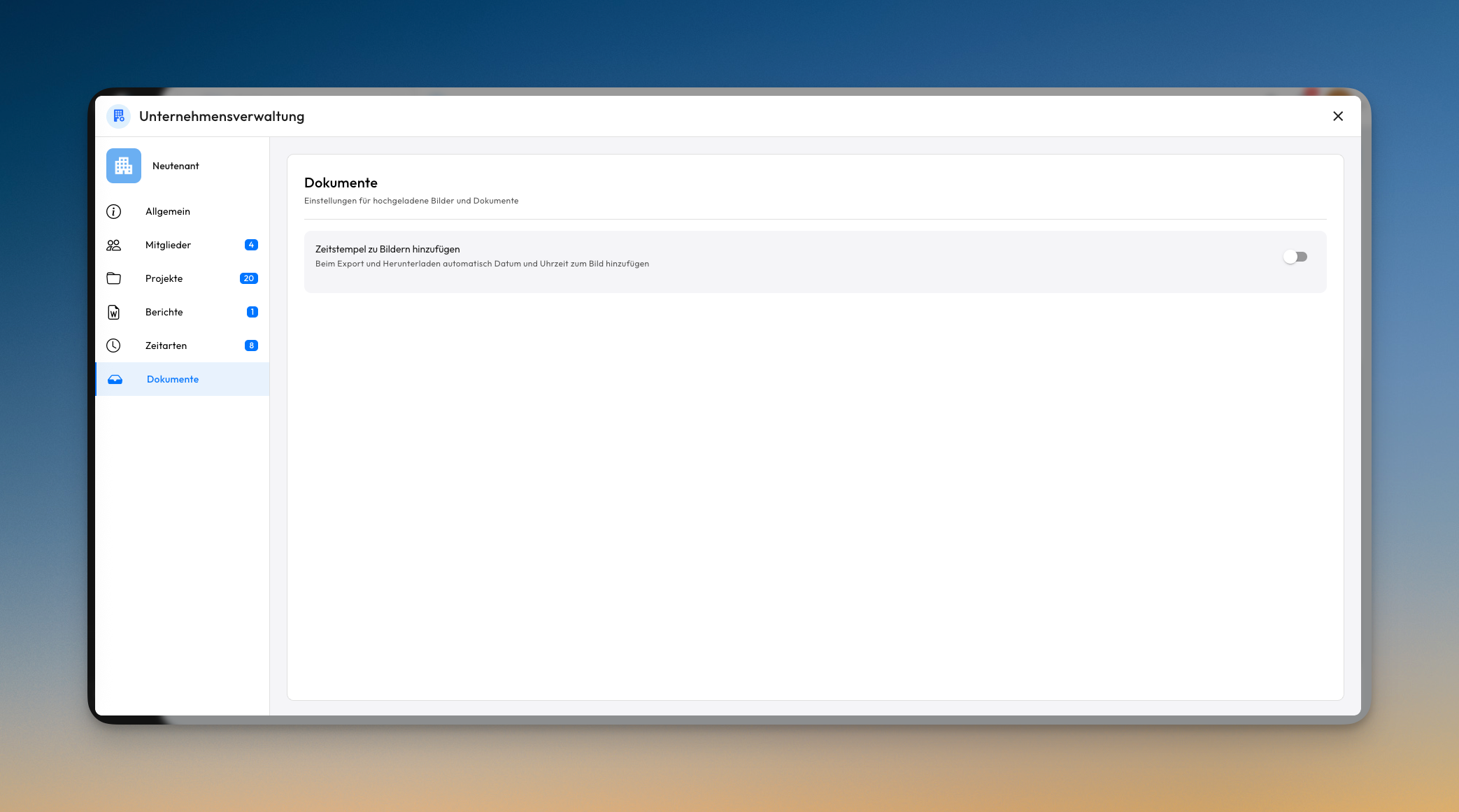
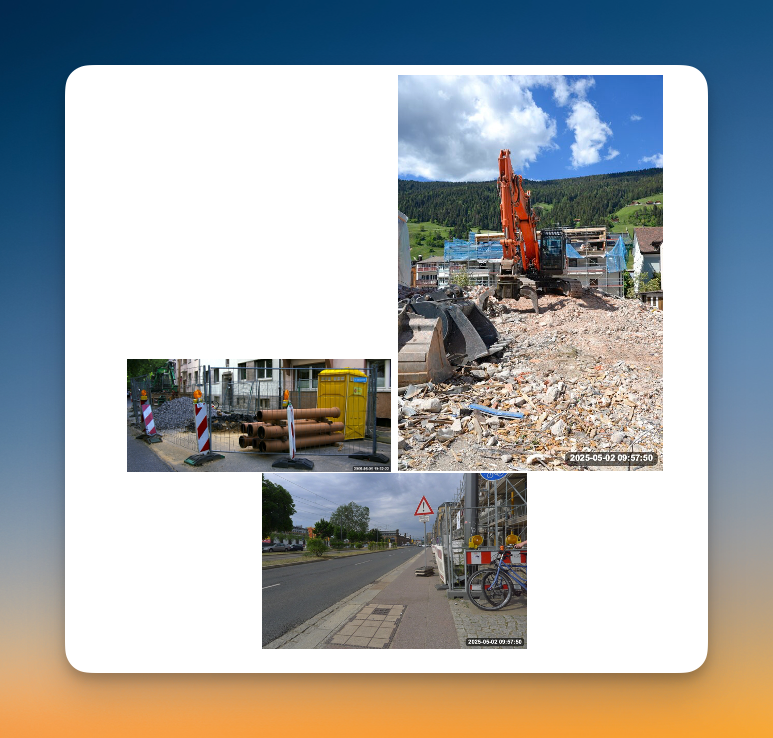
🖼️ Timestamps for Images
It is now possible to add a timestamp to exported and downloaded pictures. Note that the timestamp for pictures received via WhatsApp will be the time the picture was sent to Valoon (not necessarily the time it was taken).
📤 Faster upload dialog
The upload dialog has changed. We are now making full use of the device's native upload component and skipping our internal "staging" dialog. You may not notice it, but the upload process has thus increased in speed.
⏰ Time entry defaults & up to 20 selectable users
The time entry flow in WhatsApp now includes time defaults. This makes it much faster to create a new time entry. By popular request, we have also increased the maximum number of selectable participants to 20.